
Best Gaming Laptop for Cyberpunk 2077 (UK, 2026)
Looking for the best gaming laptop for Cyberpunk 2077 in the UK? This guide starts from what the game actually demands — engine, CPU-versus-GPU balance and the settings that matter — then gives concrete spec targets and our picks from 60 reviewed RTX 50-series laptops, with honest notes on where you can save money.

Illustrative stock photo (Pexels / Unsplash)
What Cyberpunk 2077 actually demands from a laptop
Cyberpunk 2077 remains the definitive GPU stress test: path-traced lighting, dense Night City streets and some of the heaviest ray tracing in gaming. It is also VRAM-hungry — high-resolution textures at 1440p+ can exceed 8GB, making this one of the few games where the GPU tier genuinely dictates the experience. This is a game that justifies spending on graphics.
The target for high/ultra settings with ray tracing is an RTX 5070 Ti minimum, ideally an RTX 5080, with DLSS 4 doing heavy lifting. CPU matters less here than in open-world peers — Night City is a GPU showcase — but 16GB+ of RAM and a fast SSD keep streaming smooth.
Spec targets for Cyberpunk 2077
| Component | Recommended target |
|---|---|
| GPU | RTX 5070 Ti minimum; RTX 5080 ideal; 5090 for path tracing |
| CPU | Modern 8-core — GPU-led game |
| RAM | 16GB minimum, 32GB comfortable |
| Display | 1440p+ — Night City deserves pixels |
| Storage | 1TB+ SSD |
These are recommendations, not minimum requirements — most of these games will run on lesser hardware with reduced settings. The targets above describe the experience we'd actually recommend paying for.
Our picks from 60 reviewed models
Every pick below is a real, reviewed configuration from our 60-model database with its verified GPU. We've matched each to Cyberpunk 2077's specific demands rather than just listing the fastest machines:
Gigabyte GAMING A16 Pro DXH (RTX 5070 Ti) — 12GB VRAM entry to high-settings Night City at £2,199.98.
ASUS ROG Strix G16 (RTX 5080) — RTX 5080's 16GB for ray tracing with headroom.
Lenovo Legion Pro 7 (RTX 5080) — Premium 5080 chassis for the definitive experience.
MSI Raider 16 Max HX (RTX 5090) — For path tracing maximalists — 24GB VRAM, no compromises.
RTX 50-series features worth using
All of our picks support DLSS 4, and for Cyberpunk 2077 it's worth enabling where the game offers it — the frame generation and upscaling are effectively free performance on RTX 50-series hardware. NVIDIA Reflex, where supported, reduces input latency in competitive titles. Keep drivers current: game-ready driver updates disproportionately benefit newly patched games.
Don't overlook the laptop's own software either — a proper performance power profile, manual fan curves for long sessions, and display overdrive settings (where offered) all contribute to the experience.
GPU, CPU and RAM get the headlines, but several laptop-specific features affect Cyberpunk 2077 more than a spec tier ever will. A MUX switch (or Advanced Optimus) lets the discrete GPU drive the display directly, cutting latency and lifting frame rates — check it's present on competitive titles. Cooling quality determines whether your performance survives hour three, not just minute three.
Don't overlook the human interfaces either: keyboard feel for long sessions, a display with good response times (not just high refresh), and enough ports for your mouse, headset and external storage without a dongle farm. And if you stream or record, a decent webcam and microphone array save you buying peripherals. These details separate laptops that are merely fast from laptops that are genuinely good to live with.
Settings and setup tips
Cyberpunk 2077: enable DLSS 4 frame generation — it was made for this game — and use the Ray Tracing: Ultra preset rather than Path Tracing unless you have 16GB+ VRAM. The game's built-in benchmark is genuinely useful for tuning. Keep textures within your VRAM budget; exceeding it causes the stutter this game is infamous for.
One more practical note: keep at least 15–20% of your SSD free. Full drives slow down, and modern games with shader caches and updates need breathing room — performance issues blamed on hardware are surprisingly often just a full SSD. A £60 external SSD for overflow is cheaper than any upgrade.
And maintain the machine: blow dust from vents every few months, keep it on a hard flat surface (beds and sofas suffocate intakes), and consider a simple laptop stand — even a passive one improves airflow measurably. These habits matter more for long-term performance than any settings tweak.
The cloud-gaming alternative
An honest alternative for Cyberpunk 2077: cloud gaming services like GeForce NOW can stream high-end gaming to a modest laptop, provided your internet is fast and stable (35Mbps+ and low latency, ideally wired). For single-player and casual titles, it's genuinely viable and far cheaper than a gaming laptop.
The catches are real: competitive multiplayer suffers from added latency, you own nothing (subscriptions and game licences), and data caps can bite. Cloud gaming complements a thin-and-light laptop beautifully, but it doesn't replace local hardware for serious competitive play or for anyone with unreliable internet.
The bottom line for Cyberpunk 2077 players
The GPU, decisively — it's the most GPU-bound game on this list, and VRAM capacity directly sets your settings ceiling. Match your spending to that reality: buy the strongest version of what the game actually stresses, and save money everywhere else. Our picks above are ordered to cover budgets from sensible to no-compromise — start from the cheapest that meets the spec targets and only spend more if you play other, heavier games too.
Almost nobody plays exactly one game forever. When choosing between our picks, favour the machine with broader strengths — the better display, more RAM, stronger cooling — over the one narrowly optimised for Cyberpunk 2077 today. Tastes change; the battle royale you main now might be the RPG you discover next year.
That said, don't invert the mistake: buying a flagship 'for games I might play someday' is how £3,000 laptops end up running esports titles at settings a £1,100 machine would match. Buy for the heaviest game you actually play now, with one eye on the near future — not the fantasy library.
If you're still torn: remember that Cyberpunk 2077 is the game you play now, not forever. Buy the machine with the broadest strengths at your budget — good display, adequate RAM, solid cooling — rather than the one narrowly perfect for Cyberpunk 2077 today. And don't buy two tiers above the targets 'just in case': bank the saving, and upgrade sooner if your tastes change. The best laptop is the one that fits your life, not the fastest one you can afford.
Frequently Asked Questions
What is the most important component for Cyberpunk 2077?
How much RAM does Cyberpunk 2077 need?
What display should I get for Cyberpunk 2077?
Can I play Cyberpunk 2077 on a budget RTX 5060 laptop?
What's the minimum I could get away with for Cyberpunk 2077?
Sources & further reading
Related Reading
Best Gaming Laptop for GTA 6 (UK, 2026)
Best gaming laptop for GTA 6: what Rockstar's epic will likely demand, how to buy sensibly before PC specs are…
Read →
Best Gaming Laptop for Starfield (UK, 2026)
Best gaming laptop for Starfield in the UK (2026): Creation Engine 2 CPU demands, spec targets, performance ti…
Read →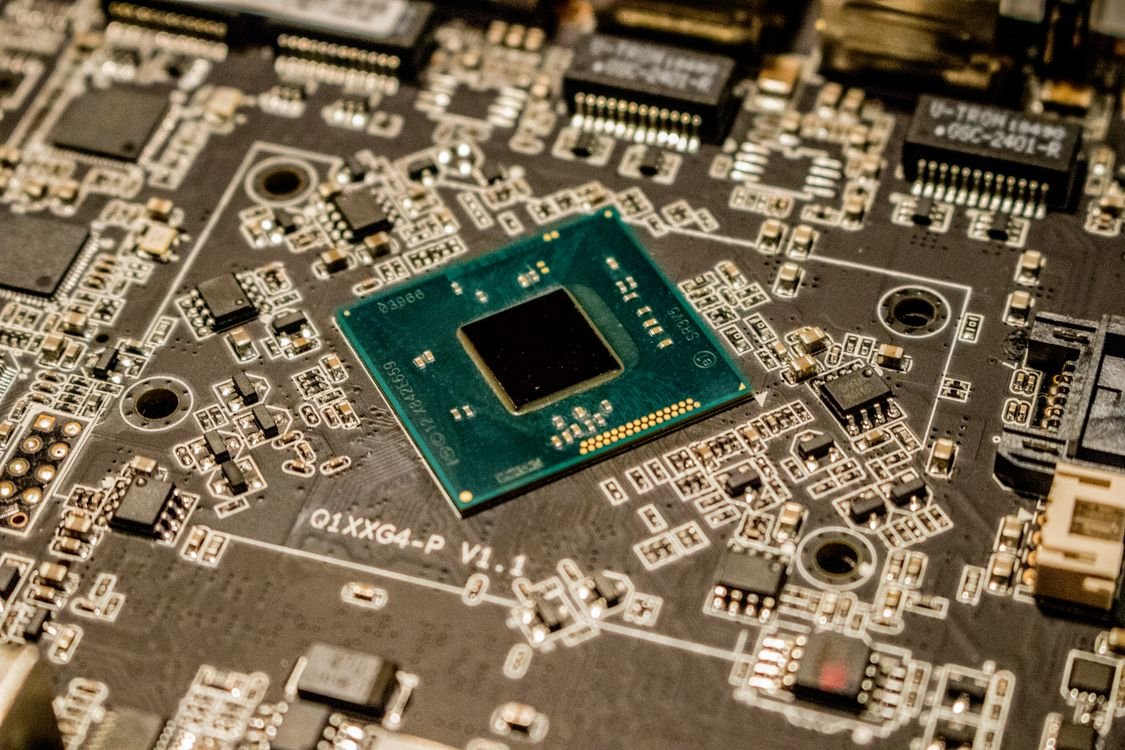
RTX 5070 Ti vs RTX 5070 Laptop: Is the Ti Worth It?
RTX 5070 Ti vs RTX 5070 laptop GPUs compared: 12GB vs 8GB GDDR7, 1440p gaming performance, UK price gaps and w…
Read →