
Best Gaming Laptops for Streaming in the UK (2026)
Streaming demands what gaming alone does not: CPU headroom for encoding, RAM for the full production stack, thermals for marathon sessions, and quiet operation so the microphone does not pick up the fans. These laptops deliver.
These are the best streaming gaming laptops for UK buyers.

Illustrative stock photo (Pexels / Unsplash)
What streaming demands
The streamer's workload: the game (GPU-bound), OBS encoding (NVENC or CPU), browser with dashboard and chat, Discord, music, overlays — simultaneously, for hours. This needs a strong CPU (encoding headroom), 32GB RAM (the stack is hungry), excellent thermals (marathon sessions), and quiet fans (microphone pickup).
NVENC changes the equation: NVIDIA's hardware encoder delivers excellent stream quality with negligible performance cost, freeing the CPU for the game. All RTX 50-series laptops have the latest NVENC — it is the default choice.
Legion Pro 7: the streaming all-rounder
The Legion Pro 7 is the streamer's all-rounder: RTX 5080 with NVENC, excellent thermals for 8-hour sessions, quiet balanced mode, 32GB RAM. Typical UK prices: £2,200–£2,700.
The Legion's thermal headroom is the killer feature — sustained performance without throttling or screaming fans, which is exactly what a 6-hour stream needs. The professional design also suits face-cam setups.
Strix G16: the competitive streamer's pick
The Strix G16 is the NVENC showcase: RTX 5080/5070 Ti with the latest encoder, 240Hz display for competitive games, ROG's streaming-friendly software. Typical UK prices: £1,500–£2,200.
The Strix suits competitive streamers — high-refresh gaming with hardware encoding that barely touches performance. The 240Hz panel is ideal for FPS streaming.
Raider 16 HX: the CPU encoding powerhouse
The Raider 16 HX is the CPU-encoding option: HX-series Intel CPU with cores to spare for x264 software encoding (higher quality than NVENC at low bitrates), plus RTX 5070 Ti/5090 graphics. Typical UK prices: £1,600–£3,400.
The Raider suits quality-obsessed streamers who prefer CPU encoding — the HX processor handles it without breaking a sweat. For maximum stream quality, CPU encoding on a 24-core HX chip is superb.
The single-PC streaming setup: the configuration
The single-PC streaming configuration: the encoder (NVENC — the RTX hardware encoder — H.264 or HEVC — the quality without the CPU cost); the settings (1080p60, 8,000 Kbps for Twitch — the platform maximums; the preset P7 — the quality); the scenes (the game capture, the webcam, the overlays — the layout); and the audio (the separate tracks — game, mic, music — the VOD flexibility).
The performance impact: NVENC encoding costs 5–10% of the GPU — the game loses a few fps, the stream gains everything. The CPU stays free for the game, the chat, the browser — the single-PC setup works because the encoder is hardware. The 2026 NVENC (8th generation — the AV1 support — the future-proofing) is superb — the stream quality rivals the dual-PC setups of five years ago. Configure once, stream forever.
Camera and audio: the streamer peripherals
Streamer peripherals: the webcam (£80–£150 — Logitech Brio, Elgato Facecam — the 1080p60 face); the microphone (£100–£200 — Shure MV7, Elgato Wave:3 — the voice that keeps viewers); the lighting (£50–£100 — Elgato Key Light, the ring light — the face visibility); and the extras (the Stream Deck — the scene switching; the green screen — the background control).
The peripheral priority: audio first (viewers forgive bad video, not bad audio — the microphone is the most important peripheral); lighting second (the visible face — the connection); camera third (the 1080p is enough — the 4K is vanity). The total (£250–£450 — the complete streamer setup — less than the GPU upgrade). The laptop is the engine; the peripherals are the presentation. The audience experiences the peripherals — invest there.
The upload speed: the UK broadband reality
UK broadband for streaming: the upload speeds — full fibre (FTTP — 100Mbps+ upload on gigabit plans — the streaming gold); cable (Virgin — 50Mbps+ upload — the adequate); FTTC (10–20Mbps upload — the minimum — workable at 6,000 Kbps); and ADSL (unusable — the streaming impossible).
The streaming requirements: 1080p60 needs 8,000 Kbps upload (1MB/s — modest — but the stability matters more than the speed); the wired connection (ethernet — the non-negotiable — Wi-Fi's jitter kills streams); and the contention (the household's usage — the stream needs the priority — QoS on the router). The UK's full-fibre rollout (2026 — the availability expanding) is the streamer's friend — check the postcode, upgrade if needed. The stream is only as good as the upload — the broadband is the infrastructure.
The consistency: the streamer's true gear
The streamer's growth is the consistency: the schedule (the kept — the audience — the built); the niche (the chosen — the served — the known); and the laptop (the reliable — the enabler — the forgotten). The £2,000 laptop streams; the consistency grows. The gear is the 10%; the showing up is the 90%.
The growth method: the calendar (the published — the honoured — the habit); the VODs (the clipped — the shared — the discovered); and the patience (the months — the compounded — the rewarded). The streamer invests in the routine before the gear — the laptop is the ready, the schedule is the growth.
The business: the streaming taxes
The streamer's taxes are the business: the laptop (the expense — the claimed — the documented); the peripherals (the receipts — the kept — the filed); and the accountant (the consulted — the self-employed — the advised). The streaming income is the taxable — the gear is the deductible. The HMRC cares not for the follower count — the records are the kept.
The business method: the records (the day one — the spreadsheet — the maintained); the expenses (the legitimate — the claimed — the evidenced); and the advice (the professional — the sought — the followed). The hobby that pays is the business — the business keeps the books. The streamer who earns files; the streamer who files keeps.
The afterlife: the streamer's VODs
The streamer's VODs are the discovered: the Twitch (the saved — the 14 days — the exported); the YouTube (the uploaded — the edited — the found); and the growth (the searchable — the evergreen — the compounding). The stream ends; the VOD works — the 3 hours live, the 3 years discovered. The streamer exports — the content doubles.
The VOD method: the save (the automatic — the enabled — the kept); the edit (the highlights — the 10 minutes — the uploaded); and the title (the searchable — the written — the found). The VOD strategy is the 20% extra — the stream, the exported, the discovered. The live is the moment; the VOD is the library.
Streaming setup advice
Streaming setup: use NVENC (H.264 or HEVC) unless you have CPU headroom for x264, stream at 1080p60 (the Twitch standard — 1440p streaming is rarely worth the bandwidth), cap in-game frame rates to reduce encoding load, and use a separate audio interface for microphone quality.
Check the live price and budget for peripherals: a good USB mic (£80–£150) and lighting (£30–£50) improve stream quality more than any laptop upgrade. The laptop is the engine; the peripherals are the presentation.
Frequently Asked Questions
What is the best laptop for game streaming?
NVENC or CPU encoding for streaming?
How much RAM do streamers need?
What streaming gear do I need with the laptop?
Sources & further reading
Related Reading

Best Gaming Laptops for the Office in the UK (2026)
The best gaming laptops for the office in the UK for 2026 — stealth, professional machines like the Legion Pro…
Read →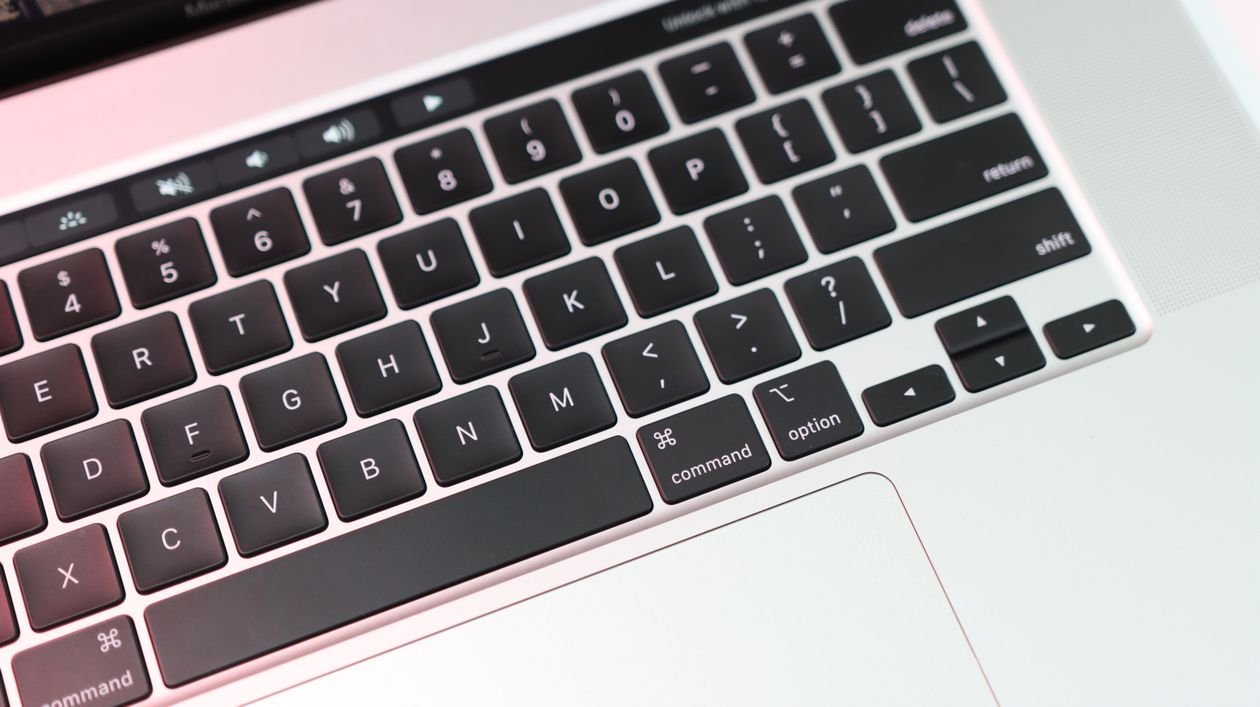
Lenovo Legion Pro 7 (Gen 10) RTX 5080 Review: The All-Rounder Flagship
Lenovo Legion Pro 7 review UK (2026): RTX 5080, Core Ultra 9 275HX, 16-inch 2.5K OLED 240Hz, 64GB RAM, 2TB SSD…
Read →
Best Quiet Gaming Laptops in the UK (2026)
The best quiet gaming laptops in the UK for 2026 — low-noise machines like the Zephyrus G14, Blade 16 and Legi…
Read →