
OLED vs Mini-LED Gaming Laptops: Which Display Wins?
The two best display technologies in 2026 gaming laptops — OLED and Mini-LED — both look spectacular and both involve real trade-offs. OLED gives you perfect blacks and near-instant response; Mini-LED gives you searing brightness with no burn-in concerns. Which one suits you depends on where you play, what you play, and how you use the machine.

Illustrative stock photo (Pexels / Unsplash)
How each technology works, in plain terms
OLED (Organic Light-Emitting Diode) is self-emissive: every pixel generates its own light and can switch completely off. That means true, absolute black — a pixel showing black is simply dark — and effectively infinite contrast. It also means near-instantaneous pixel response times, since there's no backlight to wait for.
Mini-LED is an evolution of the traditional LCD: a conventional liquid-crystal panel lit by thousands of tiny LEDs arranged in hundreds or thousands of independently dimmable zones. It can't switch off individual pixels like OLED, so blacks are 'very dark grey' rather than true black, but it can get dramatically brighter — premium Mini-LED laptop panels like the one in the ASUS ROG Strix Scar 18 reach around 1200 nits peak brightness with full DCI-P3 colour coverage.
Both are huge steps up from standard IPS LCDs, and both appear on flagship 2026 machines: OLED on the likes of the Razer Blade 16, Gigabyte Aorus Master 16 and ASUS ROG Zephyrus line; Mini-LED on the Strix Scar 18 and similar desktop-replacement flagships. You're choosing between two excellent options, not between good and bad.
OLED's strengths: contrast, response, and that look
OLED's killer advantage is contrast. In dark games — horror titles, space sims, moody RPGs — the difference between true black and very-dark-grey is immediately visible and genuinely transformative. Scenes have a depth and richness that backlit panels can't match, and HDR content looks its best on OLED because bright highlights can sit directly against pure black.
The second advantage is response time. OLED pixels switch in a fraction of a millisecond, effectively eliminating the motion blur and ghosting that even fast LCDs exhibit. On high-refresh OLED panels (240Hz is common on premium gaming laptops), motion clarity is superb — a real, if subtle, benefit in fast-paced games.
OLED panels also tend to be thinner and more power-efficient when displaying dark content, which suits the thin-and-light flagships they're often paired with. And colour quality is typically excellent, with wide gamut coverage that pleases creators as well as gamers.
Mini-LED's strengths: brightness and peace of mind
Mini-LED's headline advantage is brightness. At 1000+ nits peak, Mini-LED laptop displays remain vivid and punchy in bright rooms and near windows — conditions where OLED's typically lower full-screen brightness can look washed out. If your desk sits in a sunlit room, this alone can decide the contest.
The second advantage is the absence of burn-in risk. Because Mini-LED uses an LCD panel with a backlight rather than organic pixels that age with use, static elements — taskbars, HUDs, health bars — can't cause permanent image retention. For gamers who play one title with persistent HUD elements for hundreds of hours, or who leave the machine on a desktop all day for work, that's genuine peace of mind.
Mini-LED also holds up well for HDR highlights: small bright objects against dark backgrounds can pop impressively thanks to the zoned backlight, even if the blacks around them aren't OLED-perfect. And for creators, the high brightness plus full DCI-P3 coverage makes these panels excellent for colour work in well-lit environments.
Burn-in: the honest picture
Burn-in — permanent image retention from static elements displayed for very long periods — is the concern everyone asks about with OLED, so let's address it plainly. It is a real physical characteristic of the technology: organic pixels age with use, and pixels showing the same bright static content for thousands of hours can age unevenly.
Manufacturers are well aware of this and build in mitigations: pixel-shifting (imperceptibly moving the image), automatic brightness limiting on static content, pixel refresh cycles, and taskbar/HUD detection that dims persistent elements. As general guidance, varying your content, using dark mode, hiding the taskbar, and not leaving static images at maximum brightness for days on end all reduce the risk substantially.
For typical gaming use — varied content, mixed games, normal brightness — modern OLED laptop panels hold up well over a normal ownership period. The risk concentrates in extreme use: the same desktop with the same bright taskbar at maximum brightness, 12 hours a day, for years. Be honest about your usage pattern: if that describes you, Mini-LED removes the question entirely. If it doesn't, OLED's mitigations plus normal varied use are a reasonable combination.
Which panel for which gamer?
Choose OLED if: you play in a dim or controlled-light room; you love dark, atmospheric games or watch a lot of HDR video; motion clarity matters to you (fast-paced shooters, racing); you value the thinnest chassis designs; or your usage is varied enough that burn-in mitigations do their job.
Choose Mini-LED if: your gaming space is bright; you play one game with heavy static HUD elements for very long sessions; the laptop doubles as a work machine showing static desktops all day; you want maximum HDR punch in bright conditions; or you simply want zero burn-in anxiety.
For creators: both are excellent. OLED's perfect blacks and contrast suit video work in controlled lighting; Mini-LED's brightness suits colour work in bright studios. Either way, look for factory colour calibration and wide gamut coverage (DCI-P3) rather than choosing on panel technology alone.
One more practical note: resolution and refresh rate still matter independently of panel tech. A 240Hz OLED at 1600p and a 240Hz Mini-LED at similar specs are both superb gaming displays — don't let the OLED-vs-Mini-LED debate distract from checking the refresh rate, response claims, and colour specs of the specific panel.
The verdict: no wrong answer, just better fits
If this guide has a single takeaway, it's that both technologies are mature, excellent, and deserving of their flagship status. Five years ago the choice involved real compromises; in 2026 it's a choice between two different kinds of superb.
The decision heuristic is simple: dark room and varied content → OLED; bright room or static-heavy use → Mini-LED. Everything else — brand preferences, chassis design, the GPU inside — can then decide between the specific machines.
And if you're choosing between two laptops you otherwise love equally, one OLED and one Mini-LED: pick based on your room, not on internet arguments. The panel that looks best in your lighting, with your games, is the right panel.
Frequently Asked Questions
Do OLED gaming laptops get burn-in?
Is Mini-LED as good as OLED for gaming?
Which is better for competitive gaming, OLED or Mini-LED?
Is OLED bad for office work on a gaming laptop?
Sources & further reading
Related Reading
Best OLED Gaming Laptops in the UK (2026)
Best OLED gaming laptops UK 2026: eight verified models compared, from the £2,799 Gigabyte Aorus Master 16 to …
Read →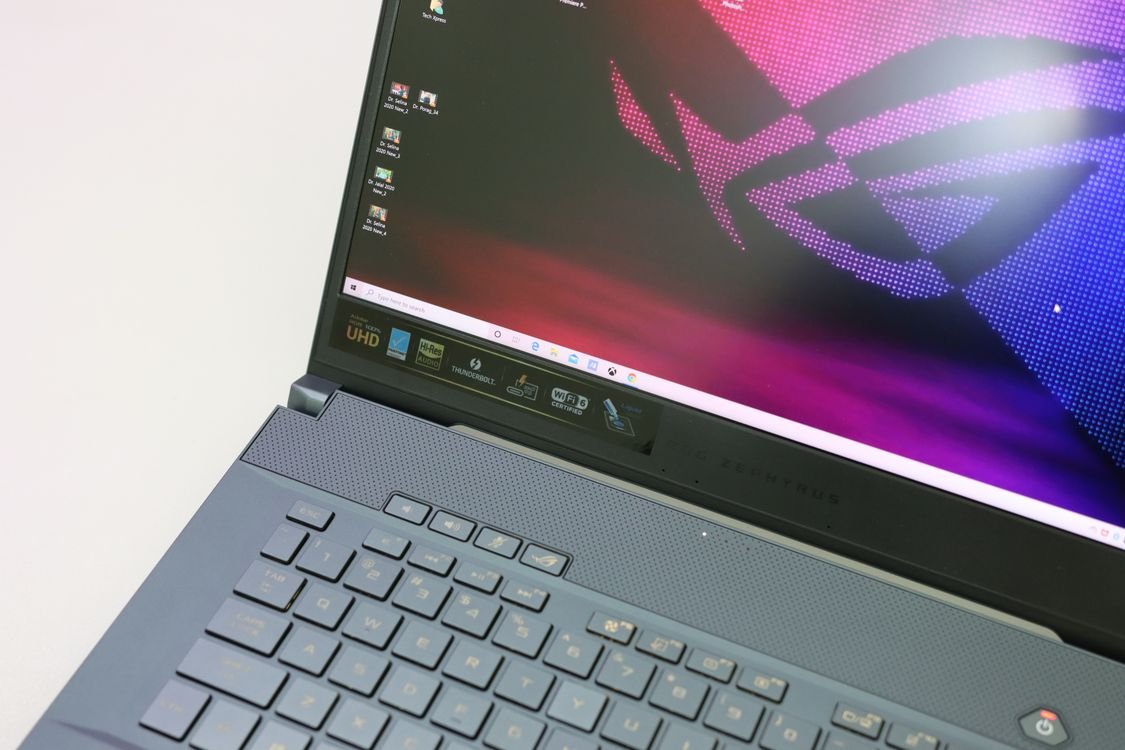
ASUS ROG Strix Scar 18 (2026) RTX 5090 Review: The UK's No-Compromise Desktop Replacement
ASUS ROG Strix Scar 18 review UK (2026): RTX 5090, 18-inch 4K 240Hz Mini-LED, Core Ultra 9 290HX Plus, 64GB RA…
Read →
Razer Blade 16 (2026) RTX 5090 Review: Flagship Power in a 2.14kg Chassis
Razer Blade 16 (2026) review UK: RTX 5090 24GB, 16-inch OLED 240Hz, Core Ultra 9 386H, 64GB RAM, 2.14kg. Scan …
Read →