
Linux on a Gaming Laptop: The 2026 Guide
Linux gaming has matured from curiosity to credible alternative: Proton runs most Windows games beautifully, and some users prefer Linux for everything else too. Here is the honest 2026 picture for gaming laptop owners.
The UK Linux gaming guide.

Illustrative stock photo (Pexels / Unsplash)
The state of Linux gaming
Linux gaming in 2026: Proton (Valve's Wine-based compatibility layer, integrated into Steam) translates Windows games to Linux — most run at 95–100% of Windows performance. The Steam Deck's success forced anti-cheat and developer attention; the ecosystem is healthier than ever.
The honest limitations: kernel-level anti-cheat (Valorant, some COD, Faceit) blocks Linux — competitive shooter players should stay on Windows; Game Pass PC games do not run on Linux (Microsoft's DRM); and some launchers are painful (though Heroic Games Launcher covers Epic/GOG well).
Choosing a distro
Distro choices: Pop!_OS (System76 — Ubuntu-based, NVIDIA drivers pre-installed, gaming-optimised — the easiest start); Nobara (GloriousEggroll's Fedora — gaming tweaks pre-applied, cutting-edge kernels); Ubuntu/Fedora (mainstream — maximum support, slightly more setup for gaming).
For gaming laptop owners: Pop!_OS minimises NVIDIA friction (the main pain point); Nobara maximises gaming performance (for tweakers). Beginners: Pop!_OS. Enthusiasts: Nobara.
Dual-booting safely
Dual-boot setup (the safe path): shrink Windows (Disk Management — free 50–100GB); install Linux alongside (the installer handles dual-boot automatically); keep Windows for anti-cheat games and Game Pass (the pragmatic split); and back up first (partition operations are safe but not risk-free).
The dual-boot logic: Linux for daily use and Proton-compatible games, Windows for the exceptions. Best of both — the cost is disk space and a boot menu.
Gaming laptop quirks on Linux
Laptop-specific Linux: NVIDIA drivers (install the proprietary drivers — Pop!_OS does this automatically; performance is good); MUX switch (may need Windows to toggle — check your model's Linux behaviour); fan control (limited vs Windows — manufacturer software does not run on Linux; community tools exist but are basic); and battery life (usually worse than Windows — power management is less tuned).
The trade-offs are real: Linux on gaming laptops works well for gaming and development, less well for fan control and battery optimisation. Know them before committing.
The Proton: the compatibility
Proton compatibility: the database — the ProtonDB (the community — the rated — the checked); the platinum (the perfect — the out-of-box — the many); the borked (the broken — the avoided — the few); and the check (the before-buy — the game — the verified).
The Proton truth: the 80% (the working — the Steam — the playable); the anti-cheat (the holdouts — the few — the known); and the trend (the improving — the Valve — the relentless). The checker (the informed — the satisfied); the assumer (the disappointed — the lesson). The Proton (the consulted — the always). The compatibility (the verified — the before).
The drivers: the NVIDIA
NVIDIA on Linux: the drivers — the proprietary (the installed — the performant — the needed); the open (the NVK — the emerging — the future); and the Wayland (the 2026 — the working — the finally).
The driver truth: the proprietary (the gaming — the required — the installed); the setup (the distro — the one-click — the easy); and the 2026 (the mature — the Wayland — the good). The installer (the proprietary — the gaming); the purist (the open — the waiting). The drivers (the installed — the correct). The NVIDIA (the Linux — the 2026 — the fine).
The dual-boot: the setup
Dual-boot setup: the how — the Windows-first (the installed — the shrunk — the prepared); the Linux (the alongside — the bootloader — the chosen); and the shared (the data-partition — the NTFS — the accessible).
The dual truth: the Windows (the gaming — the kept — the primary); the Linux (the explored — the secondary — the fun); and the backup (the done-first — the essential — the non-negotiable). The dual-booter (the backed-up — the adventurous); the wiper (the unbacked — the lesson). The setup (the guided — the careful). The dual (the best — the both).
The 2026 answer: the Nobara
The Linux gamer's distro is the Nobara: the gaming (the tuned — the ready — the GloriousEggroll); the Fedora (the base — the stable — the upstream); and the choice (the gamer — the Nobara — the recommended). The 2026 Linux gaming distro is the Nobara — the tweaks applied, the gaming ready. The distro-hopper settles — the Nobara, the kept.
The distro method: the try (the live — the USB — the tested); the commit (the installed — the configured — the daily); and the stay (the updated — the rolling — the stable). The Nobara is the 2026's answer — the gaming, the out-of-box. The chosen distro is the stayed distro.
The 90%: the Linux quirks
The Linux gamer's quirks are the known: the MUX (the toggled — the BIOS — the dGPU); the fans (the controlled — the nbfc — the configured); and the RGB (the OpenRGB — the tamed — the set). The gaming laptop on Linux is the 90% — the quirks, the worked around, the lived with. The 2026 quirks are the fewer — the kernel, the improved.
The quirk method: the research (the model — the forum — the known); the work (the around — the applied — the lived); and the accept (the 90% — the good — the enough). The Linux gaming laptop is the enthusiast's — the quirks, the charm. The worked-around is the working.
The 2028 native: the patience kept
The Linux gamer's 2028 is the matured: the 2026 (the Nobara — the quirks — the worked around); the years (the 2 — the kernels — the improved); and the 2028 (the 95% — the seamless — the rewarded). The 2026's 90% is the 2028's 95% — the kernels, the matured. The early adopter is the 2028's native.
The 2028 method: the stay (the updated — the rolling — the kept); the watch (the Proton — the improved — the welcomed); and the enjoy (the 95% — the games — the free). The 2028 matured is the 2026's patience — the stayed, the rewarded. The 2028 is the native.
The 2028 penguin: the faith kept
The Linux gamer's 2028 is the 95%: the 2026 (the 90% — the quirks — the lived); the years (the 2 — the Proton — the improved); and the 2028 (the 95% — the seamless — the rewarded). The 2026's 90% is the 2028's 95% — the stayed, the rewarded. The patient penguin is the 2028's gamer.
The 2028 method: the stay (the updated — the rolling — the kept); the play (the 2 years — the growing — the enjoyed); and the smile (the 95% — the free — the vindicated). The 2028 95% is the 2026's faith — the kept, the rewarded. The 2028 is the penguin.
Should you switch?
Linux verdict: for developers, tinkerers and Proton-compatible gamers, Linux on a gaming laptop is excellent in 2026. For competitive shooter players and Game Pass subscribers, Windows remains necessary — dual-boot covers both.
Check ProtonDB for your games, try a live USB before installing, and dual-boot before committing. The penguin welcomes the curious.
Frequently Asked Questions
Can you game on Linux in 2026?
How do I check if my games work?
Which Linux distro for gaming?
Do NVIDIA GPUs work on Linux?
Sources & further reading
Related Reading

Windows 11 Gaming Setup Guide (2026)
Windows 11 gaming setup guide for 2026 — Game Mode, GPU scheduling, debloating, HDR, and driver discipline for…
Read →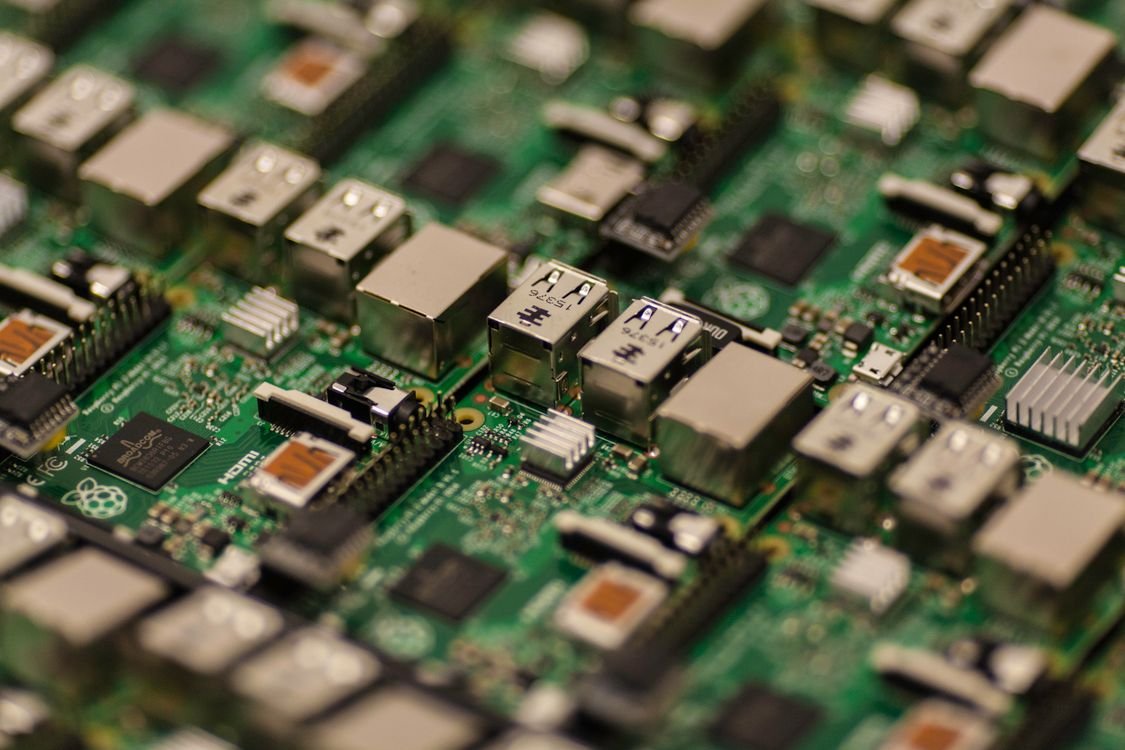
Best Gaming Laptops for Programming in the UK (2026)
The best gaming laptops for programming in the UK for 2026 — developer-friendly machines with superb keyboards…
Read →
Best Gaming Laptops for Data Science and AI in the UK (2026)
The best gaming laptops for data science and AI in the UK for 2026 — CUDA GPUs with 24GB VRAM for machine lear…
Read →