
Best Gaming Laptop for Rust (UK, 2026)
Looking for the best gaming laptop for Rust in the UK? This guide starts from what the game actually demands — engine, CPU-versus-GPU balance and the settings that matter — then gives concrete spec targets and our picks from 60 reviewed RTX 50-series laptops, with honest notes on where you can save money.

Illustrative stock photo (Pexels / Unsplash)
What Rust actually demands from a laptop
Rust is deceptively demanding: beneath the survival gameplay is a game that hammers CPUs with large multiplayer servers and rewards RAM more than almost any other title — 32GB is genuinely beneficial, not enthusiast excess. Long sessions on busy servers expose weak memory subsystems and thermal throttling, so cooling quality matters more here than in most games.
The Rust laptop formula is therefore CPU and RAM first, GPU second: an 8-core+ HX-class processor, 32GB of RAM, and an RTX 5070-class GPU for solid 1440p performance. This is one of the few games where we actively recommend 32GB configurations.
Spec targets for Rust
| Component | Recommended target |
|---|---|
| GPU | RTX 5070 or better — 1440p solid |
| CPU | 8-core+ HX-class — busy servers |
| RAM | 32GB — genuinely recommended |
| Display | 165Hz+ QHD |
| Storage | 1TB+ SSD — long sessions, big caches |
These are recommendations, not minimum requirements — most of these games will run on lesser hardware with reduced settings. The targets above describe the experience we'd actually recommend paying for.
Our picks from 60 reviewed models
Every pick below is a real, reviewed configuration from our 60-model database with its verified GPU. We've matched each to Rust's specific demands rather than just listing the fastest machines:
ASUS ROG Strix G16 G614 (Ryzen 9 9955HX) (RTX 5070) — Ryzen 9 9955HX + 32GB RAM at £2,299.99 — the Rust sweet spot.
Lenovo Legion Pro 5 16 (Intel) (RTX 5070) — 32GB RAM and OLED for £2,399 — memory and display in one.
Medion ERAZER Beast 16 X1 Ultimate (Intel, RTX 5070 Ti) (RTX 5070 Ti) — Ultra 9 290HX + 32GB + 12GB VRAM for heavy servers.
Acer Nitro V 17 AI ANV17-41 (RTX 5070) — 17.3-inch option for base-building screen space.
RTX 50-series features worth using
All of our picks support DLSS 4, and for Rust it's worth enabling where the game offers it — the frame generation and upscaling are effectively free performance on RTX 50-series hardware. NVIDIA Reflex, where supported, reduces input latency in competitive titles. Keep drivers current: game-ready driver updates disproportionately benefit newly patched games.
Don't overlook the laptop's own software either — a proper performance power profile, manual fan curves for long sessions, and display overdrive settings (where offered) all contribute to the experience.
When narrowing down for Rust, borrow reviewers' checklists: sustained (not peak) gaming performance, noise under load, keyboard deck temperatures, display brightness and colour accuracy, and speaker quality. A laptop that aces the GPU benchmark but sounds like a hairdryer and burns your wrists is a bad buy regardless of its frame rates.
Also verify the exact configuration, not just the model line. Manufacturers sell the same chassis with different GPUs, displays and memory — a glowing review of the RTX 5080 model tells you little about the RTX 5060 version's cooling or screen. Match the review to the SKU you're actually buying, down to the display panel where possible.
Settings and setup tips
Rust players: allocate generous page file space, restart the client every few hours on long wipe days, and lower tree/grass quality first — they're CPU-expensive. Join servers geographically close to you; no laptop overcomes 200ms ping. A cooling stand genuinely helps during 8-hour sessions.
Consider your audio setup too — it's half the experience in Rust. The laptop's built-in speakers are fine for casual play, but competitive directional audio needs decent headphones, and voice chat needs a microphone that doesn't broadcast your fans to the lobby. A mid-range headset is one of the highest value-per-pound upgrades in all of PC gaming.
And protect your investment physically: a padded sleeve for transport, careful cable management to avoid port strain, and sensible charge limits (many vendors offer 60–80% caps for desk-bound use) to preserve battery health. Laptops die from accidents and heat far more often than from old age.
A word on streaming vs owning
GeForce NOW and similar services deserve a mention in any Rust hardware guide: they put high-end gaming on any screen with a good connection, for a monthly fee far below a laptop's price. For trying Rust or playing casually, streaming is the value king.
But streaming is renting, not owning — latency, compression artefacts and service dependence are permanent houseguests. Competitive Rust players will feel the input lag; travellers will feel the hotel Wi-Fi. If Rust is a main hobby rather than a curiosity, local hardware remains the better long-term buy. Think of streaming as the trial version of PC gaming, not the replacement.
The bottom line for Rust players
The CPU and RAM first — 32GB and 8+ cores matter more in Rust than in any other game on this list. Match your spending to that reality: buy the strongest version of what the game actually stresses, and save money everywhere else. Our picks above are ordered to cover budgets from sensible to no-compromise — start from the cheapest that meets the spec targets and only spend more if you play other, heavier games too.
Buy for your heaviest game, not just Rust. If Rust is your main title but you also dip into demanding AAA releases, weight the GPU tier toward those heavier games — Rust will happily use whatever headroom remains. Conversely, if Rust is the most demanding thing you play, don't let general 'future-proofing' anxiety push you a tier above the targets above; bank the saving.
The most common regret we see isn't buying too little — it's buying two tiers too much for the games actually played. Be honest about your library: your Steam most-played list is a better buying guide than any review.
The quick decision for Rust players: start from the cheapest pick above that meets the spec targets, and only spend more if you also play heavier games. Match the GPU to your display's resolution, prioritise the component Rust actually stresses, and put any leftover budget into peripherals — a good mouse, headset and monitor improve the experience more than a GPU tier you won't use.
Frequently Asked Questions
What is the most important component for Rust?
How much RAM does Rust need?
What display should I get for Rust?
Can I play Rust on a budget RTX 5060 laptop?
What's the minimum I could get away with for Rust?
Sources & further reading
Related Reading

Best Gaming Laptop for Warzone (UK, 2026)
Best gaming laptop for Call of Duty: Warzone: what the battle royale demands, VRAM and CPU targets, and laptop…
Read →
Best Gaming Laptop for Starfield (UK, 2026)
Best gaming laptop for Starfield in the UK (2026): Creation Engine 2 CPU demands, spec targets, performance ti…
Read →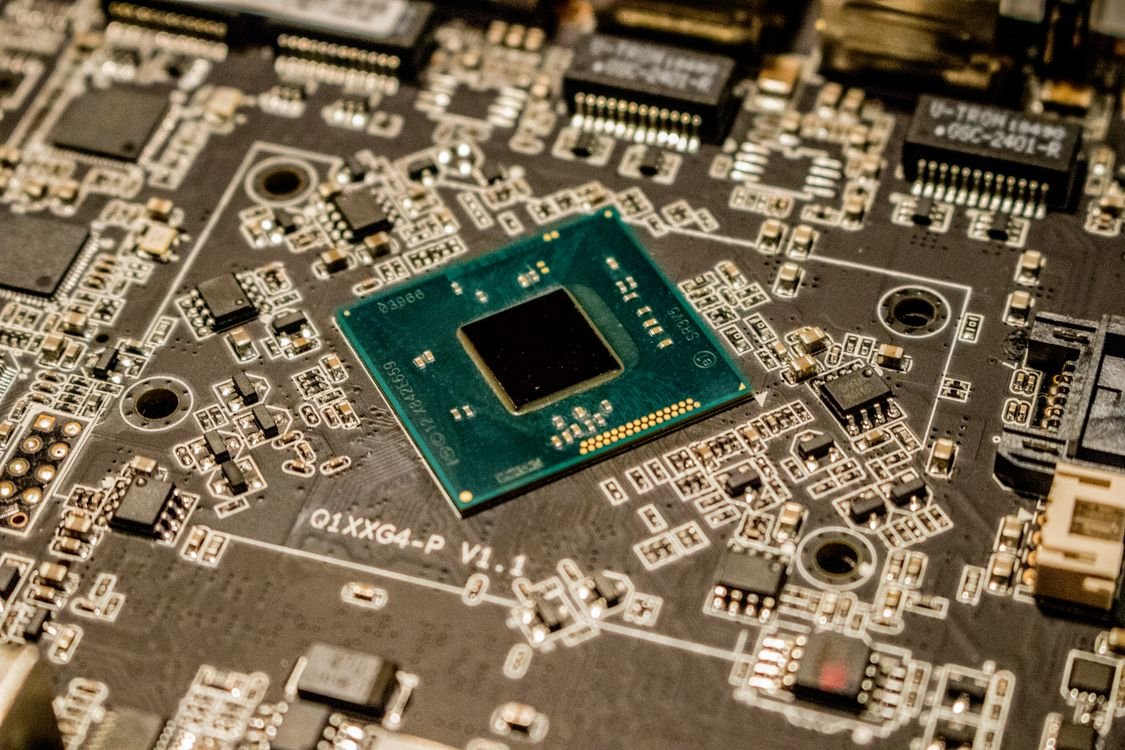
Best RTX 5070 Ti Laptops in the UK (2026)
The five best RTX 5070 Ti gaming laptops in the UK for 2026 compared — the 12GB VRAM sweet spot, with UK price…
Read →